
Nix Image Optimizer vs Imagify: Which WordPress Image Optimizer Plugin Is Better?
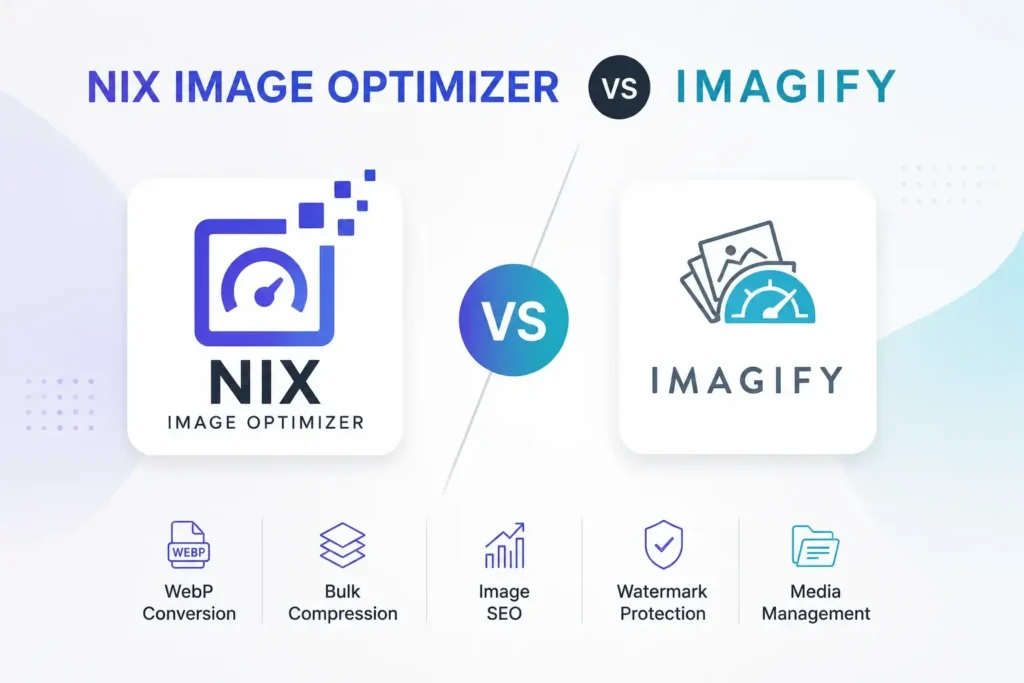
Website speed has become one of the most important ranking and user experience factors for modern websites. Large image files can slow down page loading times, affect SEO performance, and increase storage usage. To solve these issues, WordPress users often rely on image optimization plugins. Two popular options are Nix Image Optimizer and Imagify. Both […]
Nix Image Optimizer vs ShortPixel: Which WordPress Image Plugin Is Better?
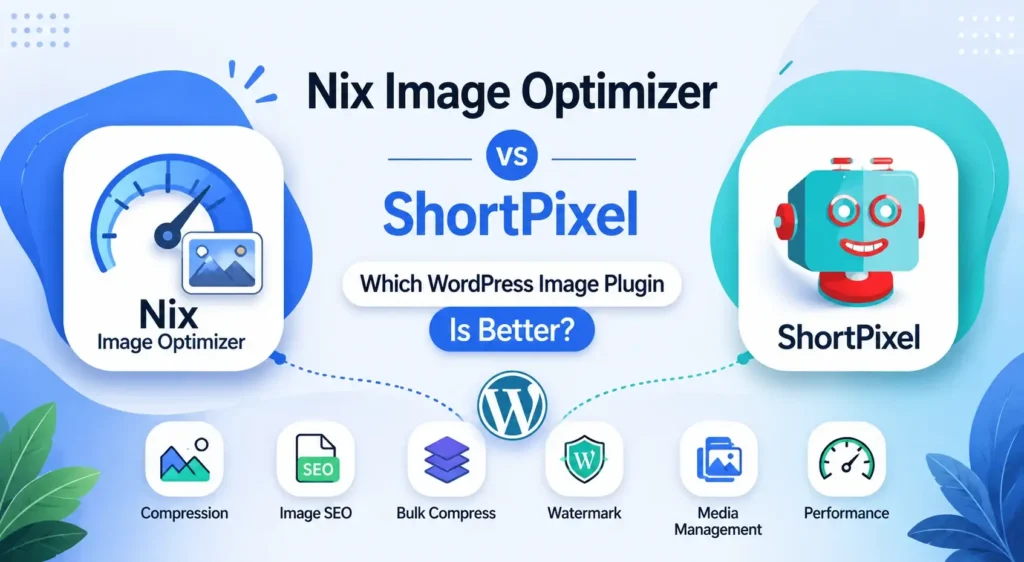
Website speed is no longer optional. Faster-loading images improve user experience, reduce bounce rates, and help search engines crawl and rank pages more efficiently. For WordPress users, image optimization plugins have become an essential part of website performance management. Among the available options, ShortPixel has been one of the most recognized names for years. However, […]
Nix Image Optimizer vs Smush: Which WordPress Image Plugin Is Better?
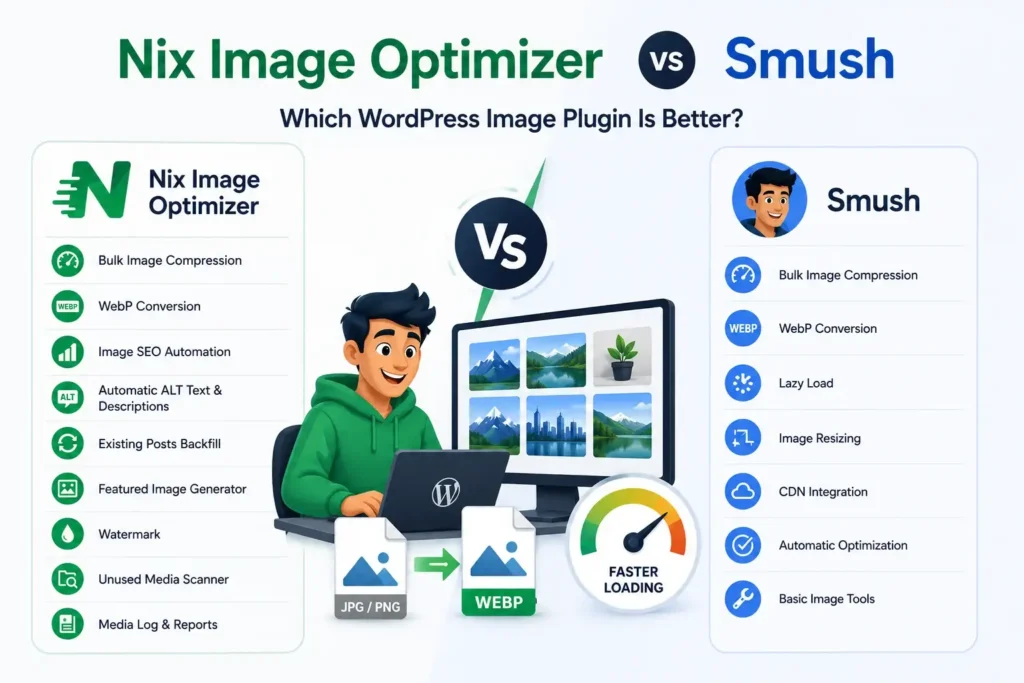
Compare Nix Image Optimizer with Smush for WebP, bulk compression, image SEO, watermark and media workflow. Choosing the Right WordPress Image Optimization Plugin Images play a major role in website performance, user experience, and SEO. Whether you run a blog, business website, portfolio, news portal, or WooCommerce store, optimizing images is essential for improving loading […]
How to Bulk Compress Existing WordPress Media Library Images
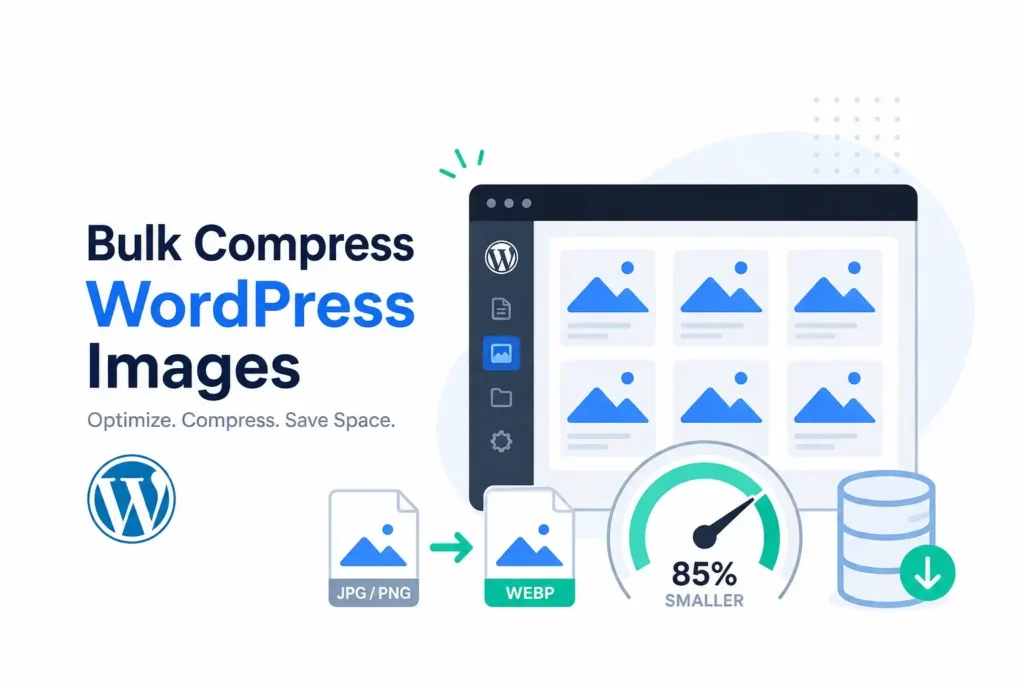
Learn how bulk image compression can optimize old uploads, reduce storage usage, and improve performance across your WordPress site. Why Bulk Image Compression Matters in WordPress As a WordPress website grows, the Media Library often becomes filled with hundreds or even thousands of images. Many of these files were uploaded before modern image optimization practices […]
How to Track Compressed Images in WordPress with a Media Log
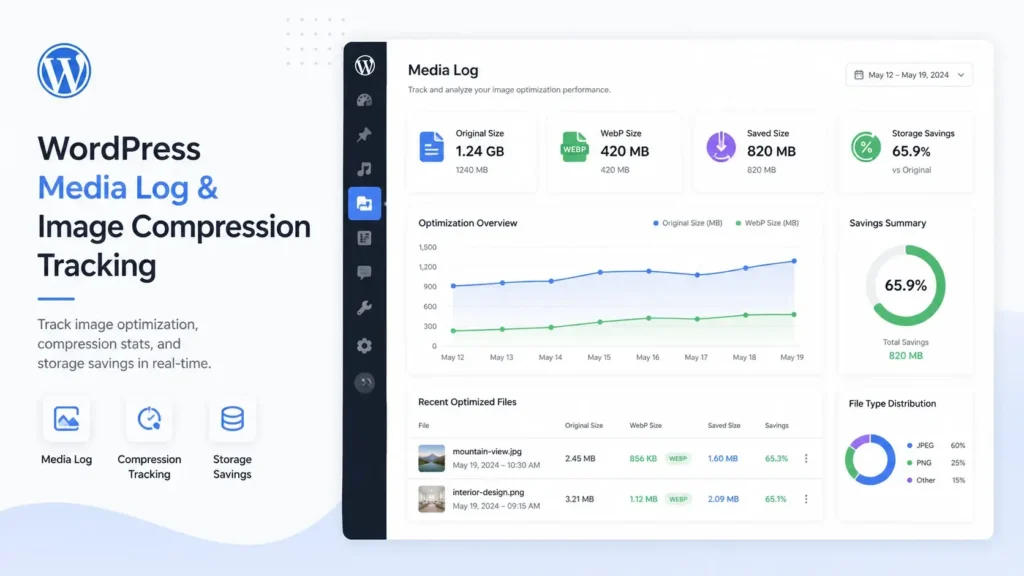
Images are one of the biggest reasons a WordPress website becomes slow and consumes unnecessary storage. Even after compressing images, many website owners still struggle to understand what actually changed after optimization. Which images were compressed?How much storage was saved?What was the original image size?What is the new WebP size? This is where a WordPress […]
Best WebP Quality Settings for WordPress Image Compression
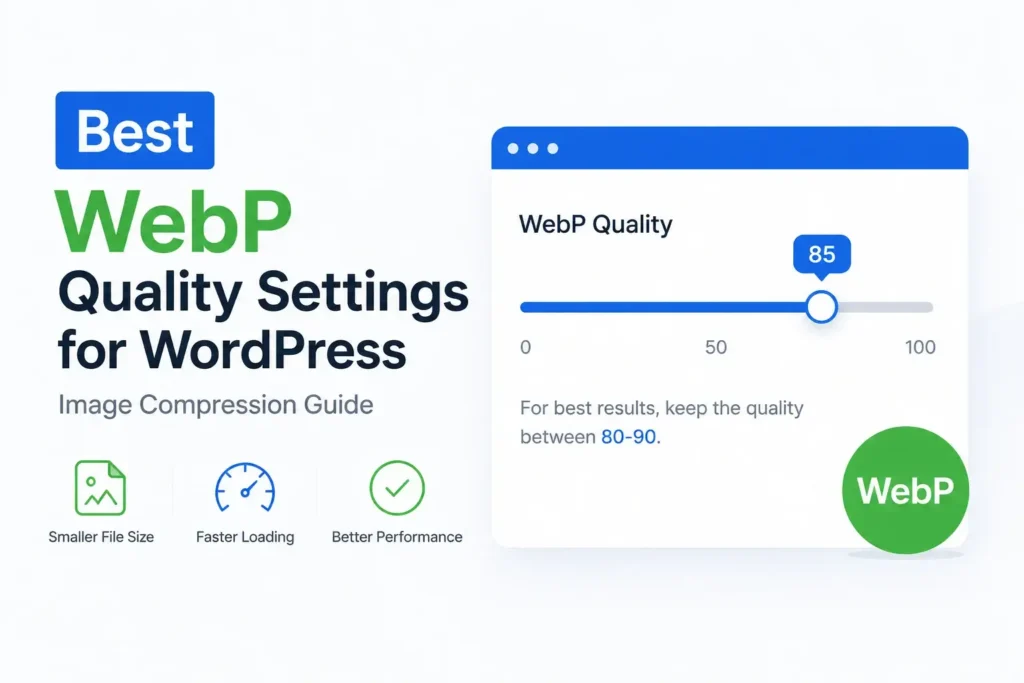
Website speed matters more than ever. Large image files can slow down loading times, affect user experience, and reduce overall performance scores. That’s why many WordPress website owners are switching to WebP image optimization. But one question appears frequently: What are the best WebP quality settings for WordPress? Choosing the right compression level is important […]
How to Automatically Convert WordPress Images to WebP on Upload
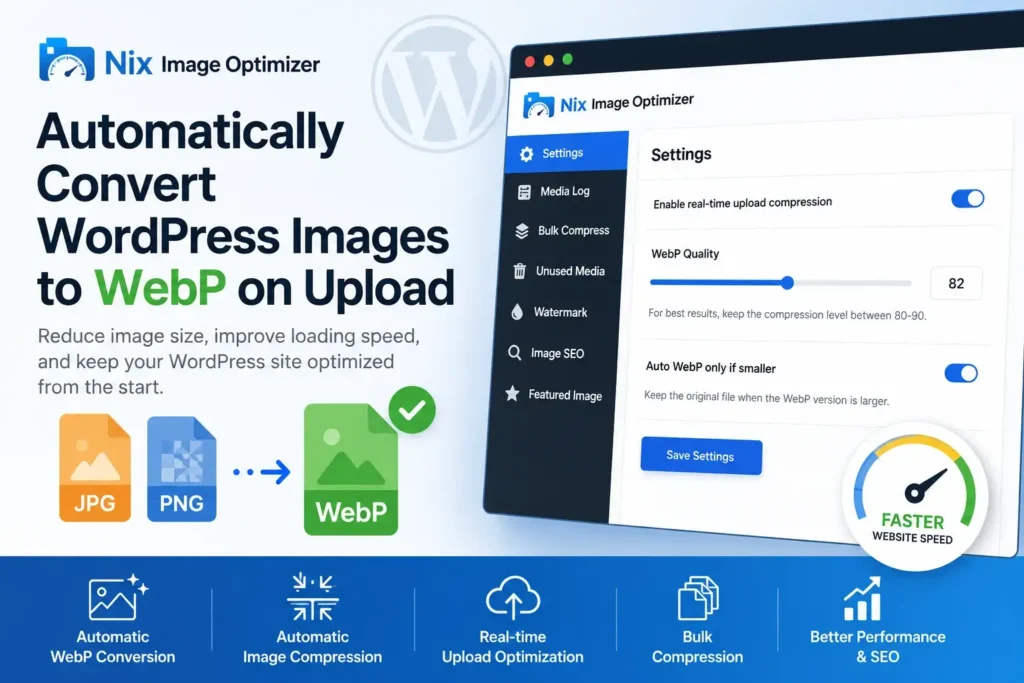
Images are one of the biggest reasons why WordPress websites become slow. Large JPEG and PNG files increase page size, slow down loading time, and affect user experience. If your website has many blog posts, products, or media uploads, image optimization becomes essential. That’s where a WordPress WebP conversion plugin can help. By automatically converting […]
Free Word Counter Online | Count Words & Characters Instantly

Writing content without knowing the exact word count can be frustrating.Students worry about assignment limits.Bloggers think about SEO length.Writers want balance, not too short, not too long. That is where a free word counter online becomes essential. A good word counter tool helps you count words, characters, and text length instantly. No signup. No learning […]
Best Free Image Resizer Online – Resize Images Instantly with Nixtool

Images are one of the most important parts of online content. Whether you run a website, create social media posts, or share photos in marketing materials, having images that are the right size can make a big difference. But resizing images manually with complex software can be time-consuming. That’s why the Nixtool Free Image Resizer […]
PNG to JPG Converter Made Simple: A Real User’s Guide
I’ll never forget the time I almost missed an important client deadline because all my product images were in PNG format. The e-commerce platform only accepted JPGs, and I was scrambling to find a solution. That’s when I discovered how incredibly simple online conversion tools could be. Let me share what I’ve learned through trial […]