
Images are one of the most important parts of online content. Whether you run a website, create social media posts, or share photos in marketing materials, having images that are the right size can make a big difference. But resizing images manually with complex software can be time-consuming.
That’s why the Nixtool Free Image Resizer is such a useful tool. It’s simple, fast, and completely free to use — helping you resize your images in seconds without installing any software or losing image quality.
What Is an Image Resizer?
An image resizer is a tool that changes the width and height of an image while maintaining its quality. It’s used to make images fit specific requirements, reduce file size, or improve web performance.
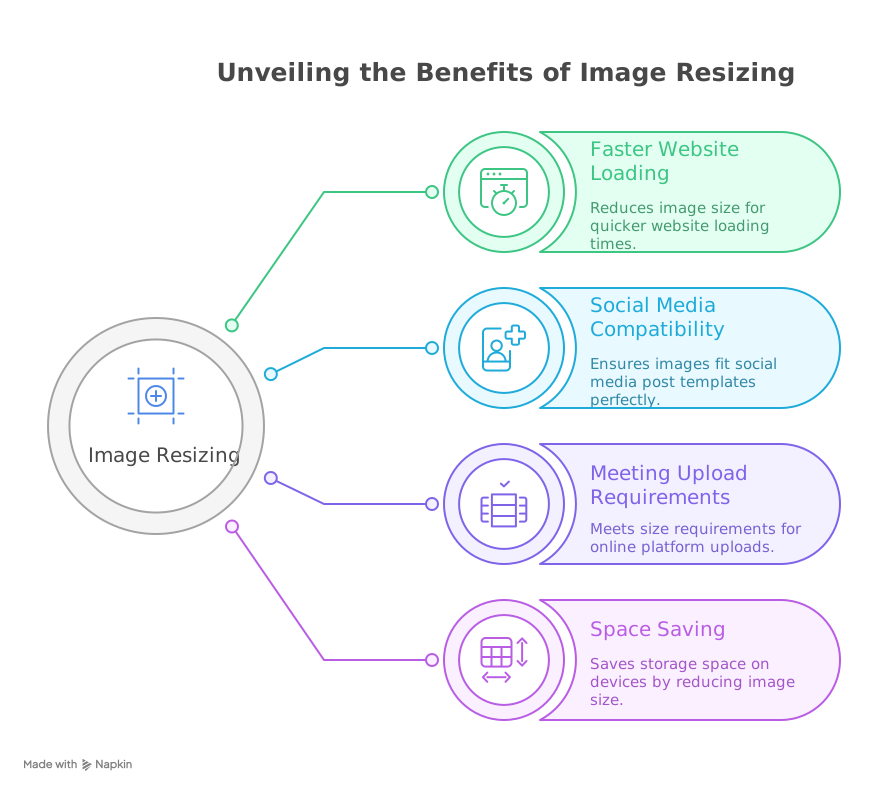
Using an image resizer helps you:
- Optimize images for faster website loading.
- Fit images into social media post templates.
- Meet upload size requirements for online platforms.
- Save space on your computer or mobile device.
Resizing an image doesn’t have to mean losing quality — especially when you use a reliable online tool like Nixtool Free Image Resizer.
Why Use an Online Image Resizer?
There are many benefits to using an online image resizer instead of traditional editing software such as Photoshop or GIMP:
- No installation required — use it directly in your browser.
- Fast and easy to use — resize images instantly.
- Completely free — no hidden costs or limitations.
- Works on all devices — desktop, laptop, tablet, or mobile.
- Beginner-friendly — simple interface anyone can use.
Nixtool Free Image Resizer offers all of these benefits in one clean, easy-to-use package.
About Nixtool Free Image Resizer
The Nixtool Free Image Resizer is part of Nixtool’s collection of free online tools for creators and professionals. It allows you to resize your images quickly while maintaining their quality.
Here’s why this tool stands out among other free image resizers:
1. Simple and Clean Interface
You don’t need any editing skills. Just upload your image, set the width and height, and click resize.
2. Custom Dimensions
You can enter specific values for width and height or lock the aspect ratio to keep proportions correct.
3. Maintain Quality
Nixtool uses smart optimization to ensure your resized image looks sharp and professional.
4. Free for Everyone
All features are available for free. There are no signups, ads, or watermarks.
5. Instant Download
Once your image is resized, you can download it immediately without delays.
How to Use Nixtool Free Image Resizer (Step-by-Step)
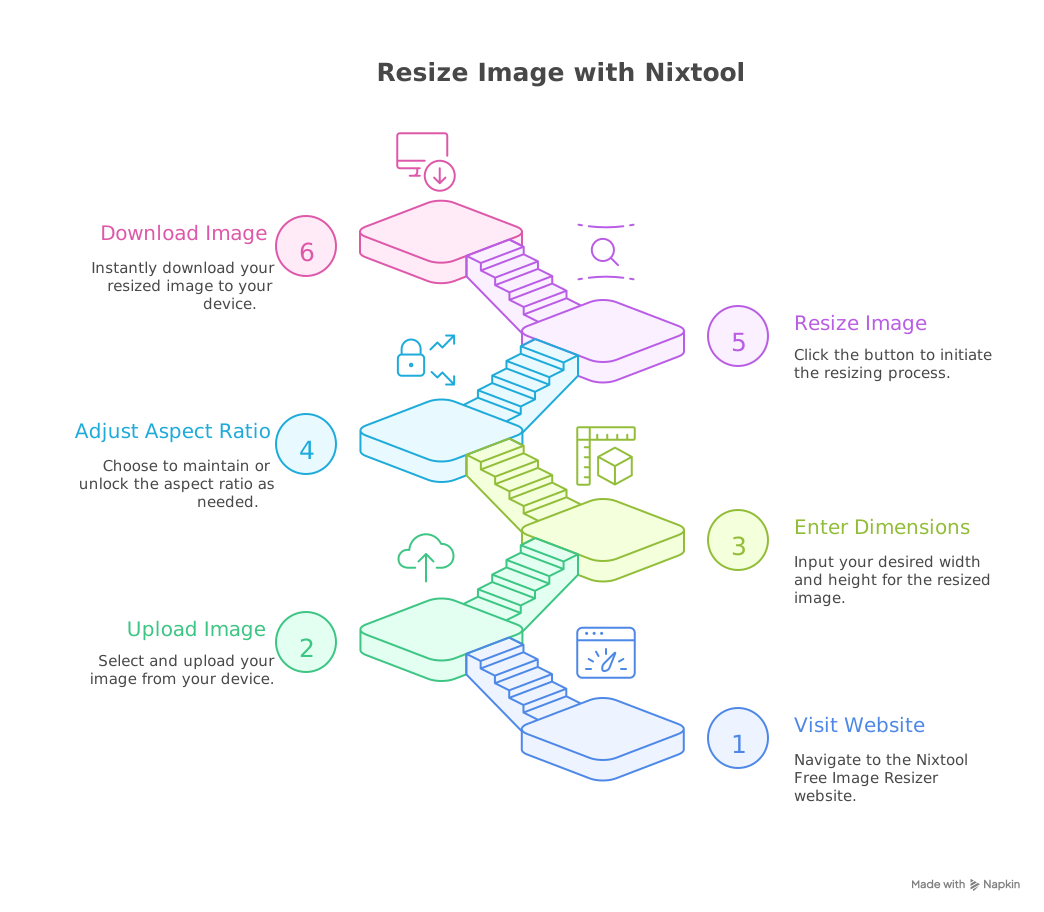
Here’s how you can use this simple image resizer in just a few steps:
- Go to Nixtool Free Image Resizer.
- Upload your image (supports JPG, PNG, and other formats).
- Enter your desired width and height.
- Keep or unlock the aspect ratio based on your needs.
- Click “Resize Image.”
- Download your resized image instantly.
That’s it — no registration, no software installation, and no waiting time.
Why Resize Images Online?
If you work online, resizing images can have a big impact on performance and presentation. Here are a few reasons why it matters:
- Faster website speed: Smaller images load faster, improving user experience.
- Better SEO: Google ranks faster websites higher.
- Perfect fit for social media: Each platform has its own preferred image size.
- Professional results: Properly sized images look more polished and consistent.
An online resizer like Nixtool helps you keep your workflow fast and efficient.
Comparing Free Image Resizers
| Tool | Price | Features | Ease of Use | Watermark |
|---|---|---|---|---|
| Nixtool Free Image Resizer | Free | Resize instantly, maintain quality | Excellent | No |
| TinyPNG | Free (limited) | Compress and resize | Good | No |
| Canva | Free + Paid | Resize (Pro feature) | Very Good | Yes (Free plan) |
| Pixlr | Free | Editing tools and resizing | Very Good | No |
Compared to others, Nixtool Free Image Resizer stands out because it’s 100% free, fast, and does not add watermarks to your images.
What Is the Best Free Image Resizer?
The best free image resizer should be easy to use, fast, and maintain image quality. It should also work on any browser and not require signup or payment.
By these standards, Nixtool Free Image Resizer is one of the best options available. It’s designed for simplicity, speed, and accessibility — perfect for bloggers, designers, developers, and marketers.
Works on Any Device
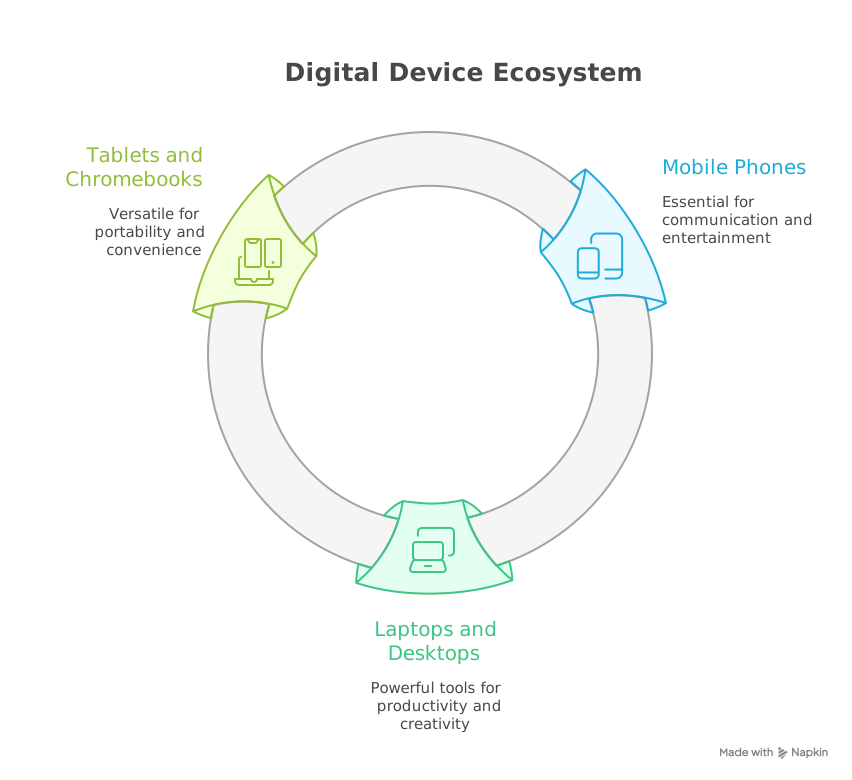
Nixtool’s resizer works perfectly on all devices, including:
- Mobile phones (Android and iPhone)
- Laptops and desktop computers
- Tablets and Chromebooks
Since it’s browser-based, you don’t need to install any apps or extensions.
Safe and Secure
Your privacy is protected with Nixtool. Uploaded images are not stored on their servers — they’re automatically deleted after processing. This ensures that your files remain secure and private.
Final Thoughts
If you’re searching for a simple and free image resizer that doesn’t compromise on quality, the Nixtool Free Image Resizer is the perfect choice.
It’s fast, free, and incredibly easy to use. Whether you’re resizing images for your blog, website, eCommerce store, or social media posts, Nixtool helps you get perfectly sized images in seconds — without losing quality or paying for premium tools.
Start resizing your images today with Nixtool and experience how effortless it can be to optimize your visuals online.