
Learn how bulk image compression can optimize old uploads, reduce storage usage, and improve performance across your WordPress site.
Why Bulk Image Compression Matters in WordPress
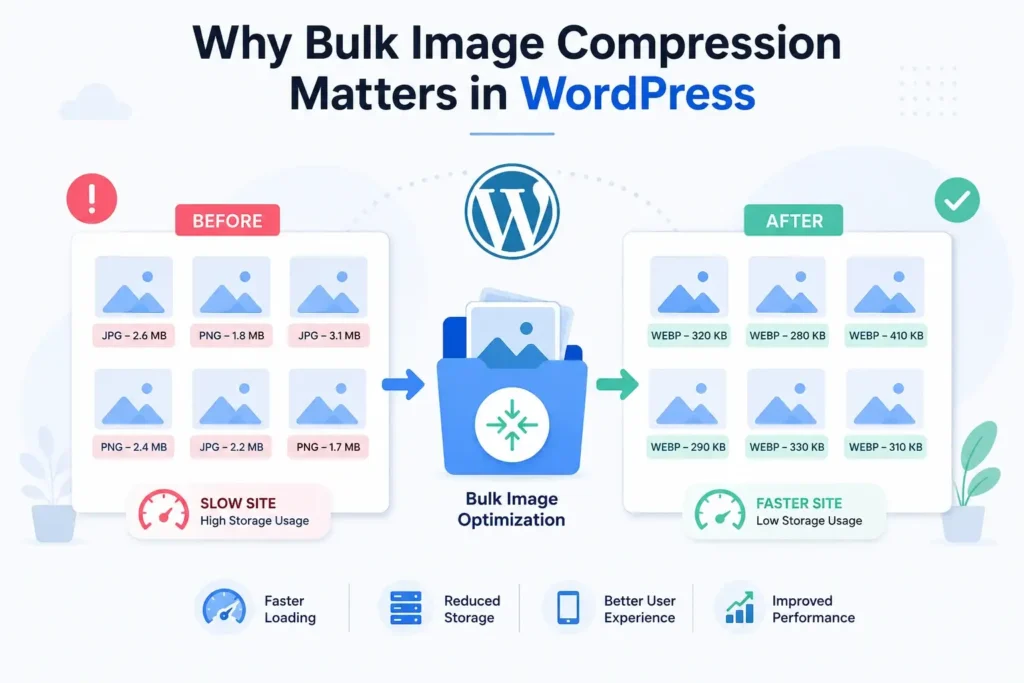
As a WordPress website grows, the Media Library often becomes filled with hundreds or even thousands of images. Many of these files were uploaded before modern image optimization practices became common, resulting in oversized JPEG, PNG, and other image formats that can negatively impact site performance.
Large image files increase page load times, consume valuable server storage, and affect user experience across desktop and mobile devices. If your website has been running for months or years, optimizing only new uploads is not enough. Existing Media Library images may still be slowing down your website.
This is where bulk image optimization becomes essential.
By compressing older uploads and converting them into modern formats like WebP, website owners can significantly reduce storage usage while improving loading speed and overall website performance.
What Is Bulk Image Compression?
Bulk image compression is the process of optimizing multiple images simultaneously rather than compressing them one by one.
Instead of manually editing hundreds of files, a WordPress bulk image optimizer scans your Media Library and automatically processes supported image formats. The optimization process typically includes:
- Reducing image file size
- Removing unnecessary metadata
- Converting images to WebP
- Generating optimized attachment files
- Improving storage efficiency
- Preserving visual quality
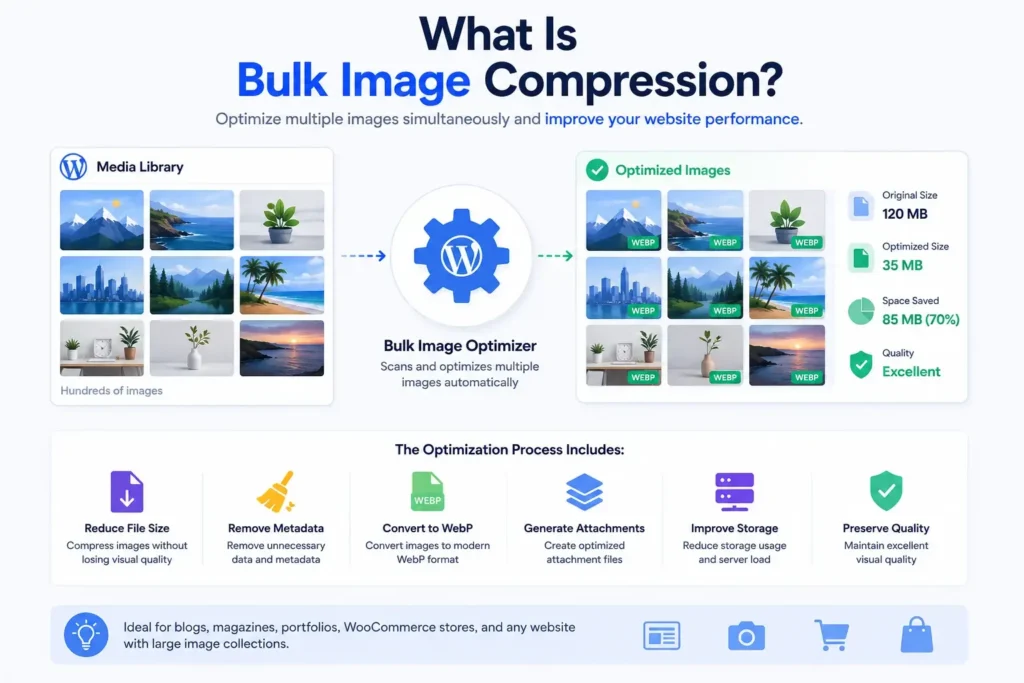
This approach is particularly useful for websites with large content archives, image-heavy blogs, online magazines, portfolios, and WooCommerce stores.
Common Problems With Old Media Library Images
Many websites suffer from performance issues because older uploads were never optimized.
Typical problems include:
Large JPEG Files
Traditional JPEG images often contain unnecessary metadata and excessive quality settings that increase file size without improving visual appearance.
Heavy PNG Images
PNG files can become extremely large, especially when used for screenshots, graphics, or transparent images.
Inconsistent Image Formats
Older uploads may contain a mix of JPEG, PNG, and other formats, making storage management more difficult.
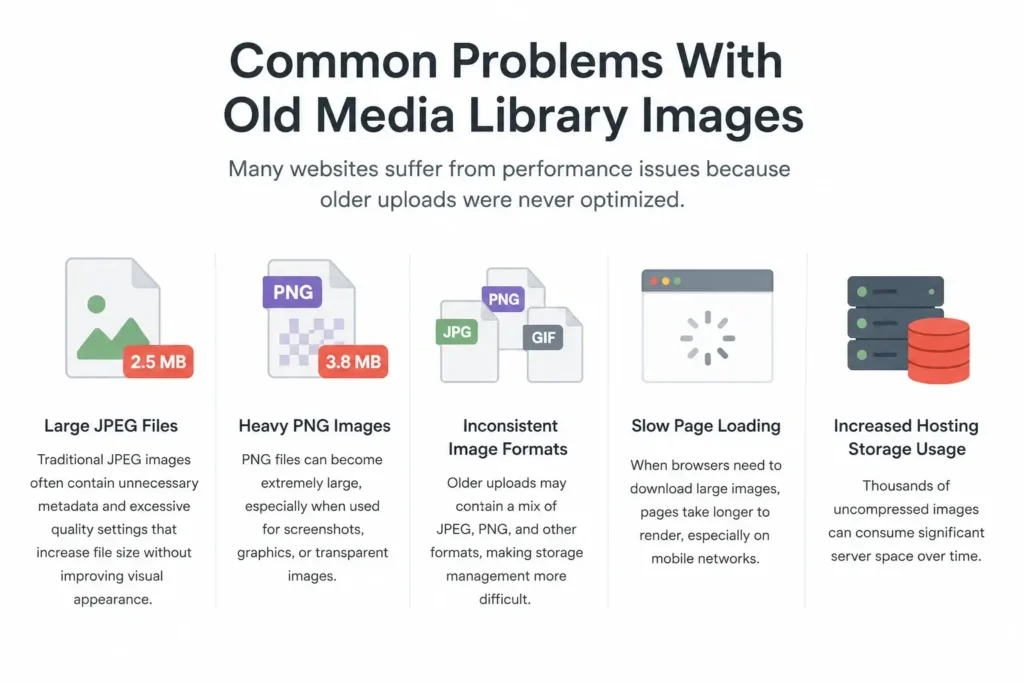
Slow Page Loading
When browsers need to download large images, pages take longer to render, especially on mobile networks.
Increased Hosting Storage Usage
Thousands of uncompressed images can consume significant server space over time.
Benefits of Bulk Compressing Existing Uploads
Running a bulk compression process offers several advantages.
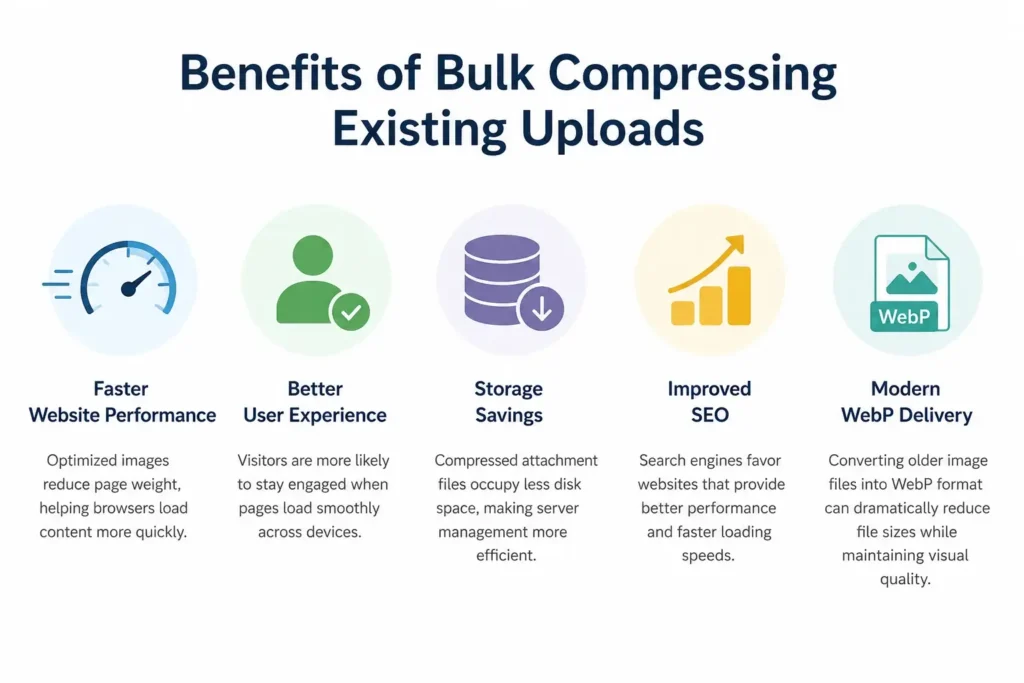
Faster Website Performance
Optimized images reduce page weight, helping browsers load content more quickly.
Better User Experience
Visitors are more likely to stay engaged when pages load smoothly across devices.
Storage Savings
Compressed attachment files occupy less disk space, making server management more efficient.
Improved SEO
Search engines favor websites that provide better performance and faster loading speeds.
Modern WebP Delivery
Converting older image files into WebP format can dramatically reduce file sizes while maintaining visual quality.
Understanding WebP Conversion
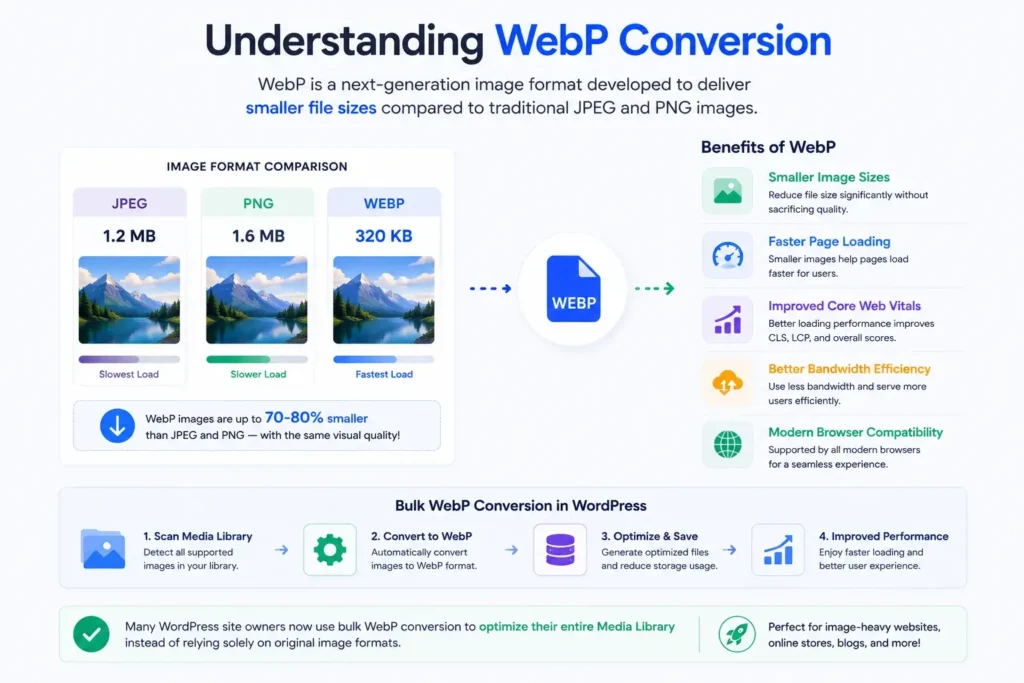
WebP is a next-generation image format developed to deliver smaller file sizes compared to traditional JPEG and PNG images.
Benefits of WebP include:
- Smaller image sizes
- Faster page loading
- Improved Core Web Vitals
- Better bandwidth efficiency
- Modern browser compatibility
Many WordPress site owners now use bulk WebP conversion to optimize their entire Media Library instead of relying solely on original image formats.
For image-heavy websites, WebP can often provide substantial storage savings while maintaining excellent visual quality.
Supported Image Formats
Modern image optimization plugins typically support formats such as:
- JPEG
- PNG
- WebP
- AVIF
Each format serves a different purpose:
| Format | Best Use Case |
|---|---|
| JPEG | Photos and blog images |
| PNG | Graphics with transparency |
| WebP | Modern optimized web images |
| AVIF | Advanced high-compression images |
Using the right format can significantly reduce overall website weight.
Optimizing Existing Images With Nix Image Optimizer
One solution for managing bulk image optimization is Nix Image Optimizer, a WordPress plugin designed to help website owners optimize both new and existing uploads. The plugin supports automatic WebP conversion, bulk compression of Media Library images, image SEO improvements, watermarking, and media management tools.
Key Features
Some notable capabilities include:
- Bulk compress existing Media Library images
- Convert JPEG, PNG, and AVIF uploads to WebP
- Track optimization results through a Media Log
- Monitor storage savings
- Generate optimized attachment files
- Improve image SEO metadata
- Scan unused media files
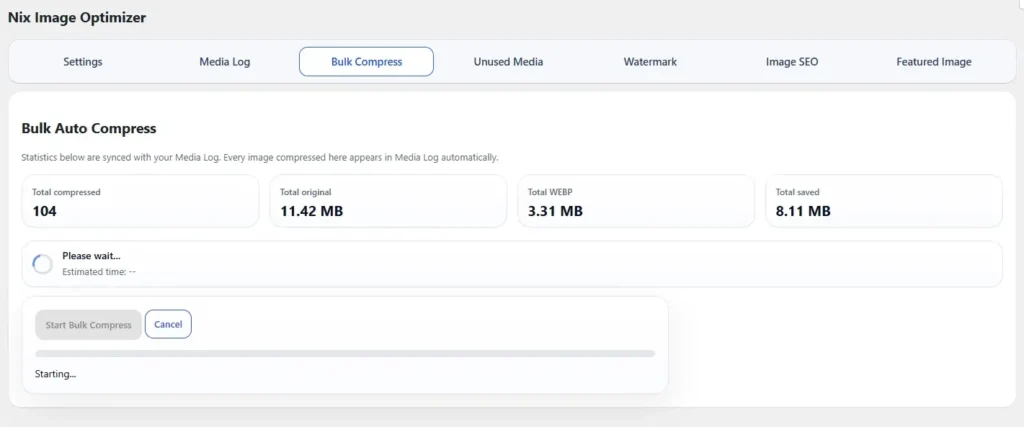
These features allow site owners to improve performance without manually editing individual images.
How Bulk Compression Works
A typical bulk optimization workflow looks like this:
Step 1: Scan Existing Uploads
The plugin identifies supported images within the WordPress Media Library.
Step 2: Process Attachment Files
Each attachment file is analyzed and prepared for optimization.
Step 3: Compress Images
File sizes are reduced using image optimization techniques while preserving visual quality.
Step 4: Convert to WebP
Compatible images are converted into modern WebP versions.
Step 5: Generate Statistics
Compression reports display original size, optimized size, and total storage savings.
This process allows website owners to improve performance across large image collections with minimal effort.
Storage Saving Benefits
One of the biggest advantages of bulk image optimization is long-term storage reduction.
For example:
| Original Library Size | Optimized Size |
|---|---|
| 10 GB | 6 GB |
| 20 GB | 11 GB |
| 50 GB | 28 GB |
Actual savings depend on image type, quality settings, and format conversion.
Sites containing large JPEG and PNG collections often experience substantial reductions after optimization.
Best Practices for Bulk Image Optimization
To achieve the best results:
Backup Before Processing
Always create a backup before running large optimization jobs.
Use Balanced Compression
Extreme compression may reduce image quality unnecessarily.
Convert to WebP
WebP usually provides better compression efficiency than traditional formats.
Optimize New Uploads
After cleaning up older images, continue optimizing future uploads automatically.
Monitor Storage Usage
Regularly review compression statistics to understand overall savings.
Bulk Compression and SEO
Image optimization contributes to search performance in several ways.
Faster Loading Pages
Reduced image sizes help improve page speed metrics.
Better Mobile Experience
Mobile users benefit from smaller downloads and faster rendering.
Lower Bandwidth Usage
Efficient image delivery reduces server resource consumption.
Improved Crawl Efficiency
Search engines can process optimized websites more effectively.
Combined with proper image metadata and ALT text, bulk image optimization becomes an important part of technical SEO.
Final Thoughts
If your website contains years of accumulated uploads, optimizing only future images is not enough. Old JPEG, PNG, and other attachment files can continue affecting performance, storage usage, and user experience.
Using a reliable WordPress bulk image optimizer allows you to compress old images, generate WebP versions, reduce storage consumption, and improve overall website speed without manually editing every file.
Tools like Nix Image Optimizer make it easier to bulk compress WordPress images, manage existing uploads, monitor storage savings, and maintain a faster, more efficient Media Library for long-term growth.