
Website speed has become one of the most important ranking and user experience factors for modern websites. Large image files can slow down page loading times, affect SEO performance, and increase storage usage.
To solve these issues, WordPress users often rely on image optimization plugins. Two popular options are Nix Image Optimizer and Imagify.
Both plugins help compress images and improve website performance, but they approach image management differently. In this comparison, we'll examine their features, workflow, usability, and overall value to help you decide which solution fits your website best.
Quick Overview
Nix Image Optimizer
Nix Image Optimizer is an all-in-one image management solution for WordPress. Beyond image compression, it includes advanced media workflow tools such as WebP conversion, image SEO automation, watermarking, image renaming, media organization, and detailed optimization tracking.
It is designed for website owners who want a complete image optimization and management system within WordPress.
Imagify
Imagify is a well-known image compression plugin focused primarily on reducing image file sizes. It offers several compression levels, WebP generation, and bulk optimization capabilities.
Its main goal is to make images lighter without significantly affecting visual quality.
Feature Comparison
1. Image Compression
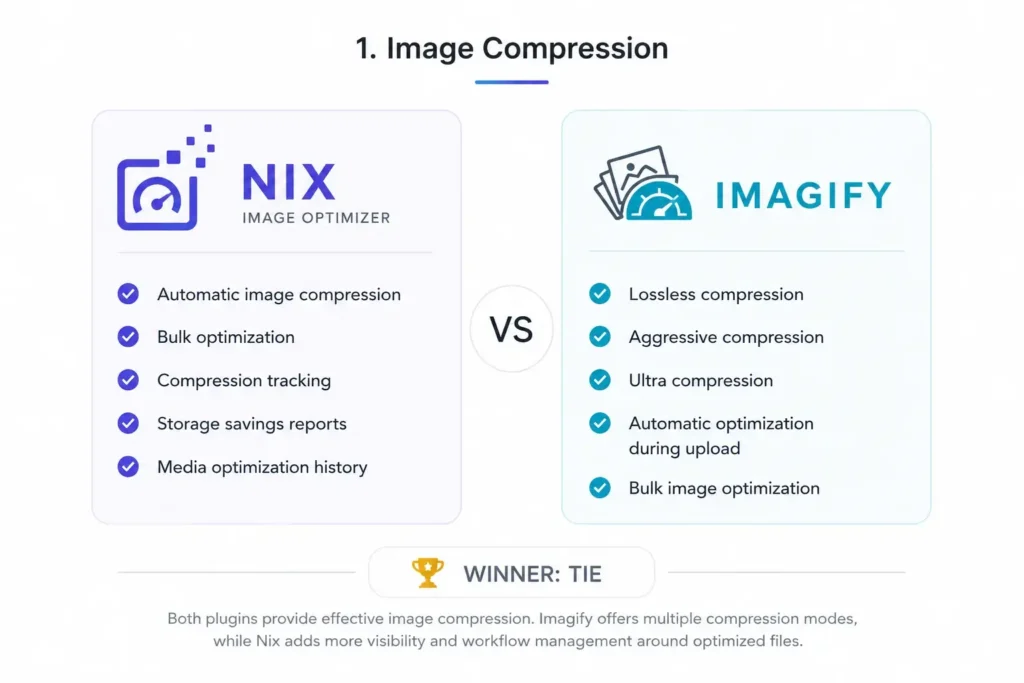
Nix Image Optimizer
Nix Image Optimizer allows users to compress images automatically during upload or optimize existing images from the Media Library.
Key benefits include:
- Automatic image compression
- Bulk optimization
- Compression tracking
- Storage savings reports
- Media optimization history
Users can easily monitor how much space has been saved through optimization.
Imagify
Imagify is heavily focused on image compression and offers:
- Lossless compression
- Aggressive compression
- Ultra compression
- Automatic optimization during upload
- Bulk image optimization
Its compression engine is one of its strongest features, making it attractive for users who simply want smaller image files.
Winner: Tie
Both plugins provide effective image compression. Imagify offers multiple compression modes, while Nix adds more visibility and workflow management around optimized files.
2. WebP Conversion
Nix Image Optimizer
WebP has become a standard image format for modern websites because it reduces file sizes while maintaining quality.
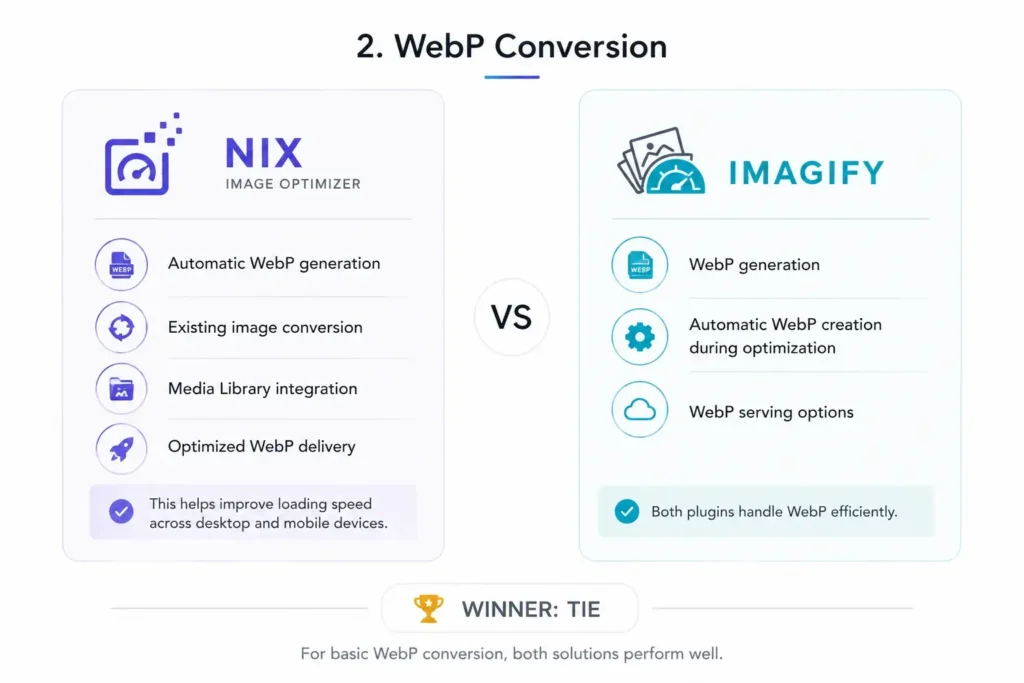
Nix Image Optimizer supports:
- Automatic WebP generation
- Existing image conversion
- Media Library integration
- Optimized WebP delivery
This helps improve loading speed across desktop and mobile devices.
Imagify
Imagify also supports:
- WebP generation
- Automatic WebP creation during optimization
- WebP serving options
Both plugins handle WebP efficiently.
Winner: Tie
For basic WebP conversion, both solutions perform well.
3. Bulk Optimization Workflow
Nix Image Optimizer
For websites with hundreds or thousands of images, bulk optimization becomes essential.
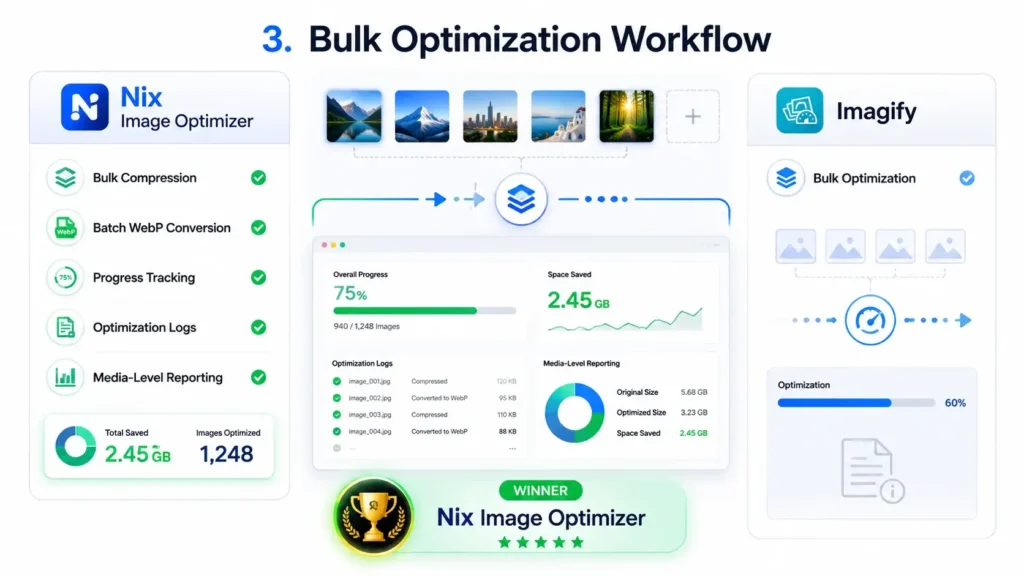
Nix provides:
- Bulk compression
- Batch WebP conversion
- Progress tracking
- Optimization logs
- Media-level reporting
Administrators can easily see which images were processed and how much space was saved.
Imagify
Imagify includes bulk optimization tools that allow users to compress large groups of images quickly.
However, reporting and workflow visibility are generally more limited.
Winner: Nix Image Optimizer
The additional monitoring and reporting features create a more transparent optimization process.
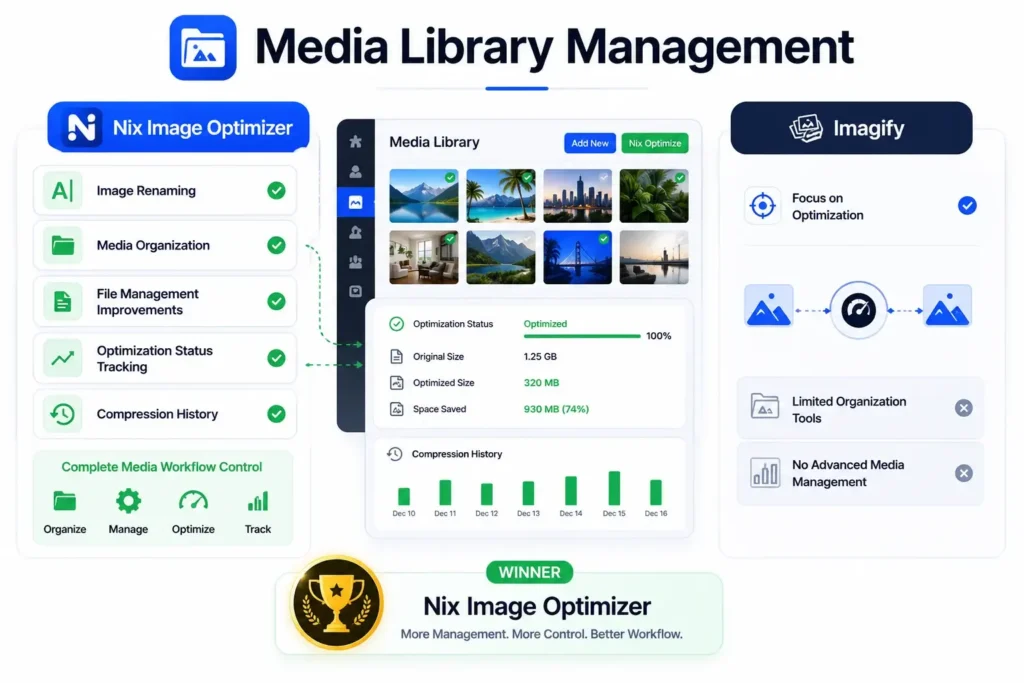
4. Media Library Management
Nix Image Optimizer
One area where Nix stands out is Media Library enhancement.
Features include:
- Image renaming
- Media organization
- File management improvements
- Optimization status tracking
- Compression history
This makes it easier to maintain large WordPress websites.
Imagify
Imagify focuses primarily on optimization rather than media management.
While it integrates with the Media Library, it doesn't provide extensive organization tools.
Winner: Nix Image Optimizer
Users looking for complete media workflow control will appreciate the extra management capabilities.
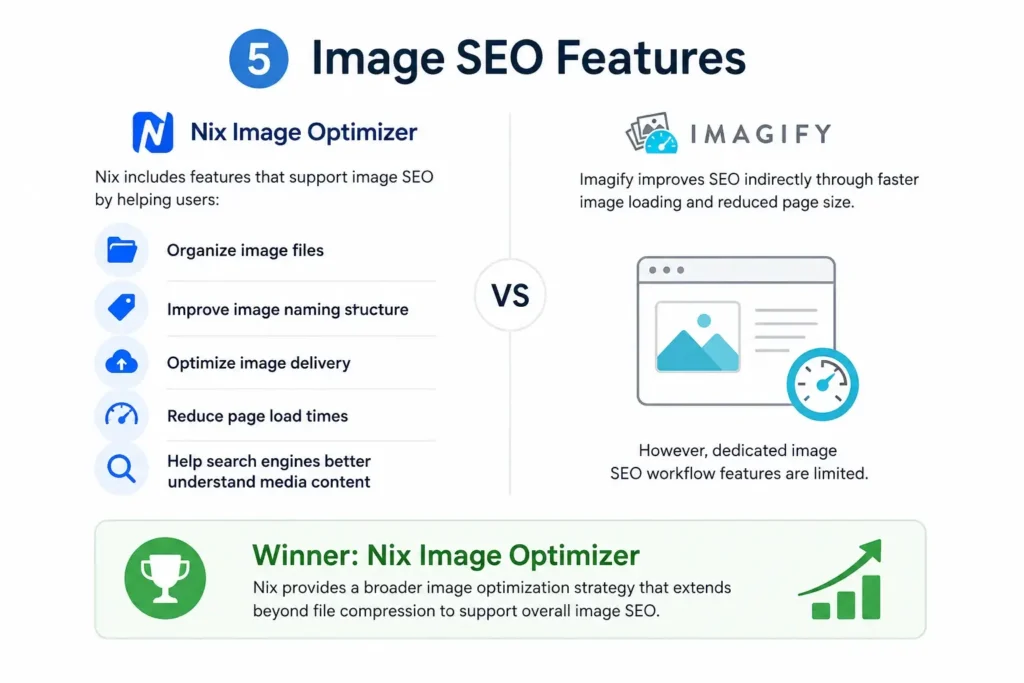
5. Image SEO Features
Nix Image Optimizer
Images contribute significantly to SEO when properly optimized.
Nix includes features that support image SEO by helping users:
- Organize image files
- Improve image naming structure
- Optimize image delivery
- Reduce page load times
These improvements can help search engines better understand media content.
Imagify
Imagify improves SEO indirectly through faster image loading and reduced page size.
However, dedicated image SEO workflow features are limited.
Winner: Nix Image Optimizer
Nix provides a broader image optimization strategy that extends beyond file compression.
6. Watermark Functionality
Nix Image Optimizer
Many photographers, agencies, bloggers, and ecommerce stores need image protection.
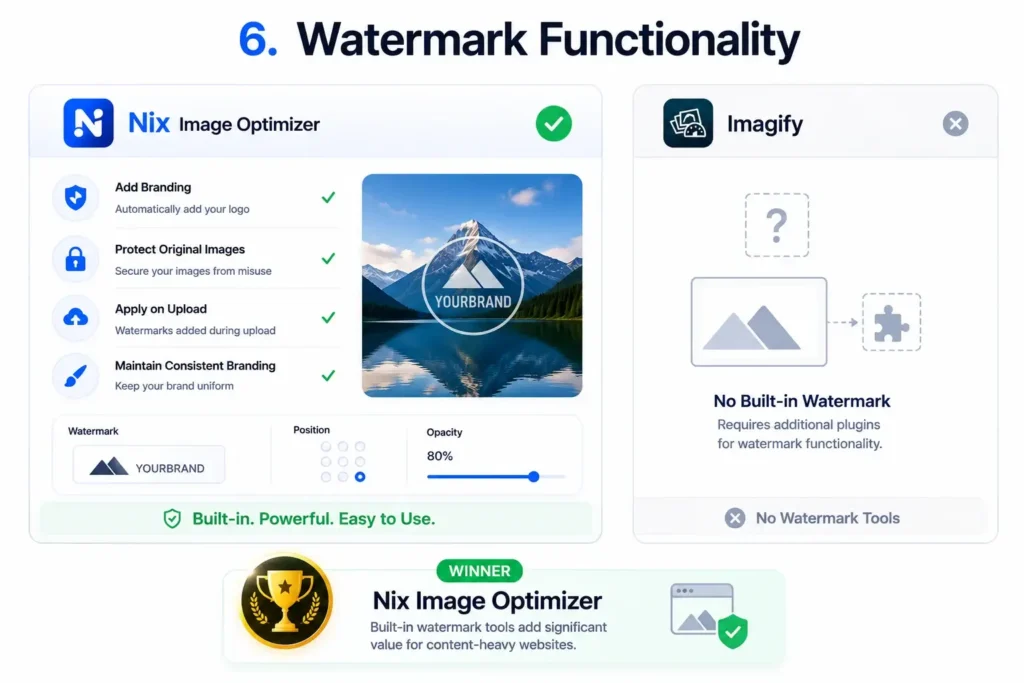
Nix includes built-in watermark functionality that allows users to:
- Add branding automatically
- Protect original images
- Apply watermarks during upload
- Maintain consistent branding
Imagify
Imagify does not focus on watermark management.
Users typically need additional plugins to achieve similar functionality.
Winner: Nix Image Optimizer
Built-in watermark tools add significant value for content-heavy websites.
7. Optimization Reporting
Nix Image Optimizer
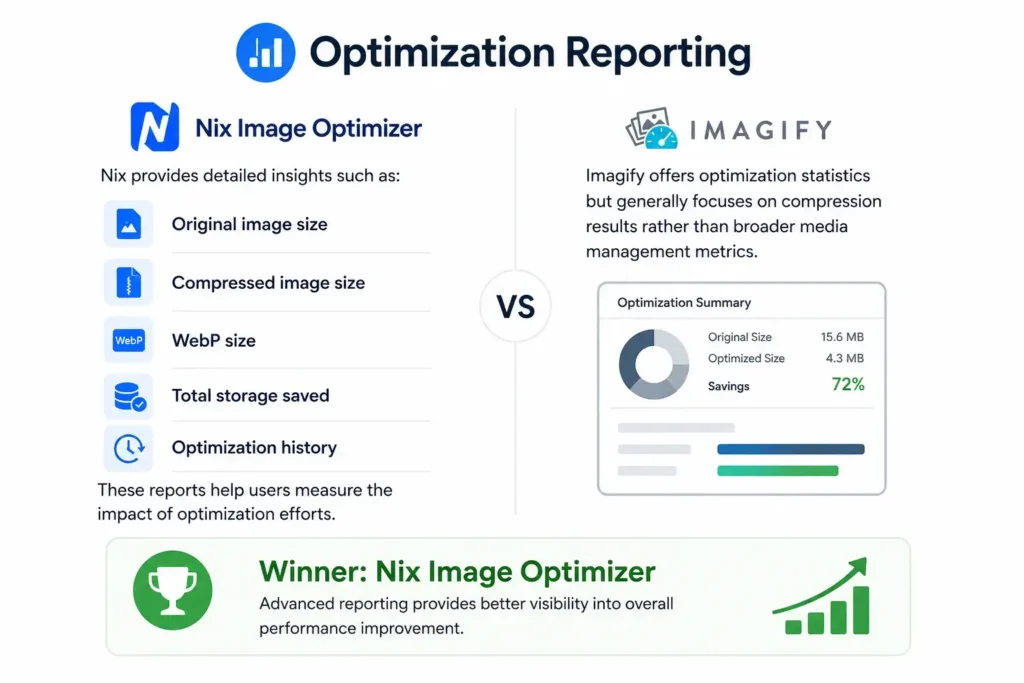
Nix provides detailed insights such as:
- Original image size
- Compressed image size
- WebP size
- Total storage saved
- Optimization history
These reports help users measure the impact of optimization efforts.
Imagify
Imagify offers optimization statistics but generally focuses on compression results rather than broader media management metrics.
Winner: Nix Image Optimizer
Advanced reporting provides better visibility into overall performance improvements.
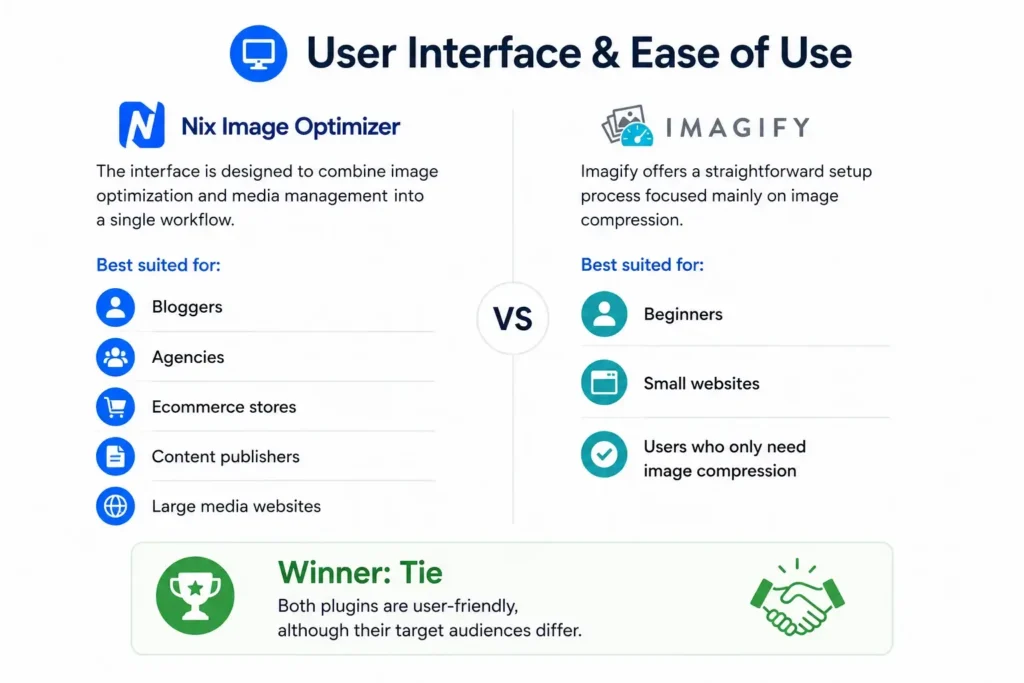
Ease of Use
Nix Image Optimizer
The interface is designed to combine image optimization and media management into a single workflow.
Best suited for:
- Bloggers
- Agencies
- Ecommerce stores
- Content publishers
- Large media websites
Imagify
Imagify offers a straightforward setup process focused mainly on image compression.
Best suited for:
- Beginners
- Small websites
- Users who only need image compression
Winner: Tie
Both plugins are user-friendly, although their target audiences differ.
Performance Impact
Both plugins can significantly improve page speed by reducing image file sizes.
Common benefits include:
- Faster loading pages
- Better Core Web Vitals
- Reduced bandwidth usage
- Improved mobile performance
- Better user experience
The difference lies less in compression quality and more in the surrounding workflow tools.
Which Plugin Should You Choose?
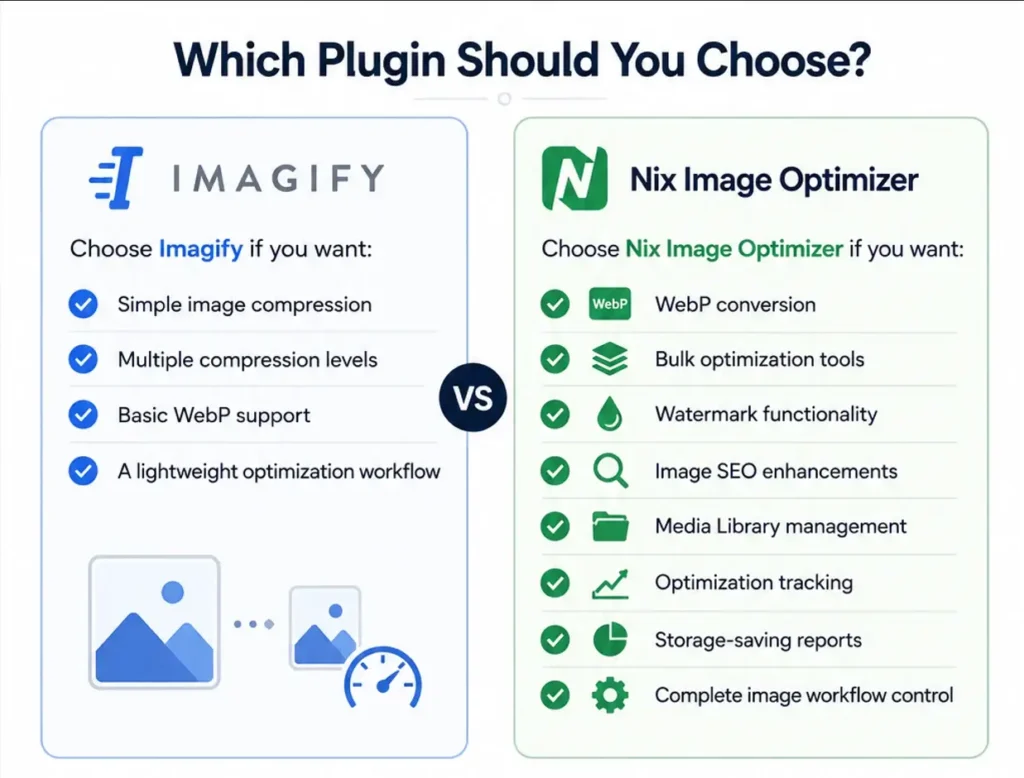
Choose Imagify if you want:
- Simple image compression
- Multiple compression levels
- Basic WebP support
- A lightweight optimization workflow
Choose Nix Image Optimizer if you want:
- WebP conversion
- Bulk optimization tools
- Watermark functionality
- Image SEO enhancements
- Media Library management
- Optimization tracking
- Storage-saving reports
- Complete image workflow control
Final Verdict
When comparing Nix Image Optimizer vs Imagify, both plugins successfully reduce image sizes and improve website performance.
However, the biggest difference is scope.
Imagify focuses primarily on image compression, while Nix Image Optimizer expands beyond compression to cover media management, image SEO, watermarking, optimization reporting, and workflow automation.
For users who only need basic image compression, Imagify remains a solid option. But for website owners looking for a more comprehensive image optimization and management solution, Nix Image Optimizer offers a broader feature set and greater long-term value.
Ultimately, the better plugin depends on your workflow requirements, but for users seeking an all-in-one image optimization platform inside WordPress, Nix Image Optimizer has a clear advantage.