
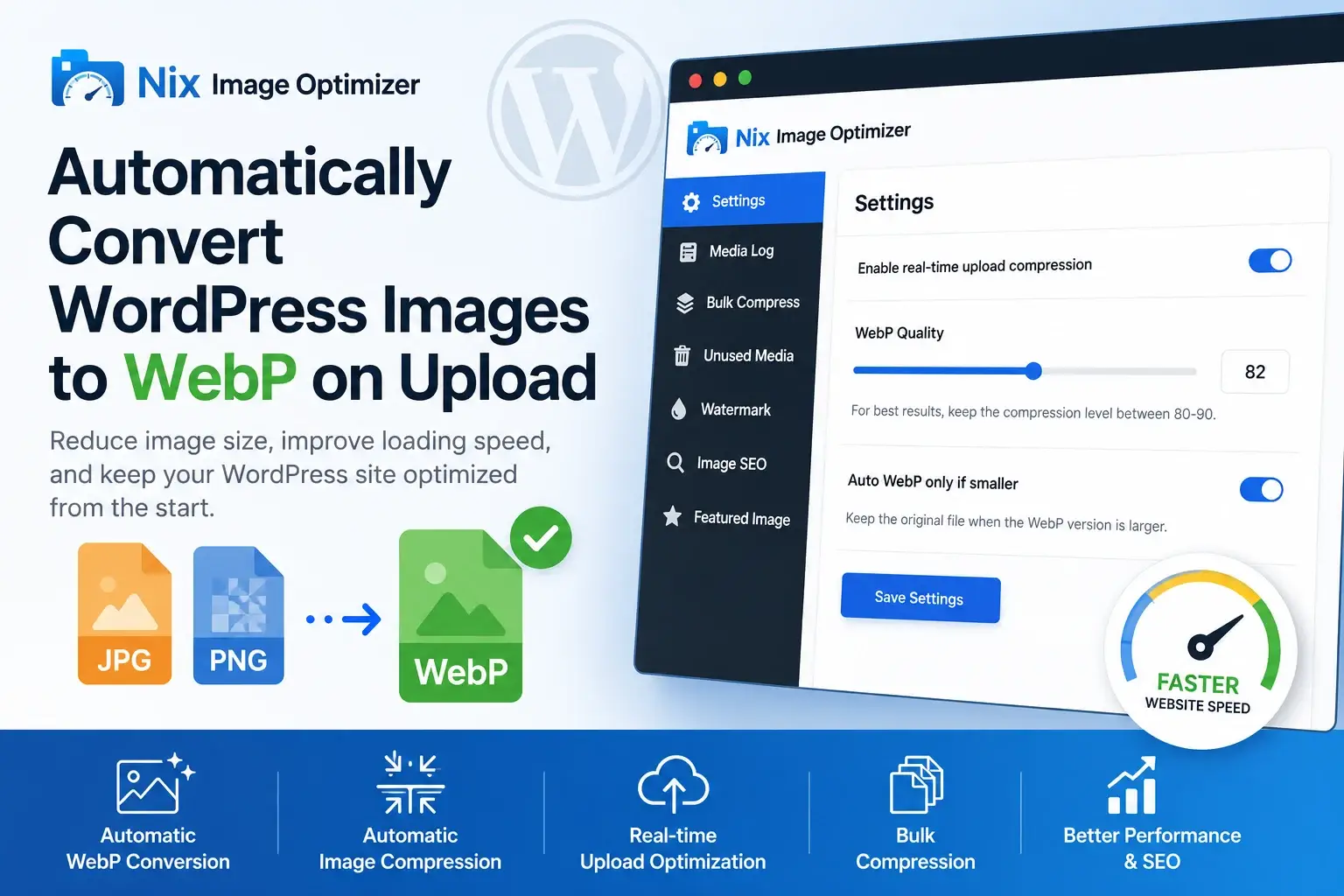
Images are one of the biggest reasons why WordPress websites become slow. Large JPEG and PNG files increase page size, slow down loading time, and affect user experience. If your website has many blog posts, products, or media uploads, image optimization becomes essential.
That’s where a WordPress WebP conversion plugin can help.
By automatically converting uploaded images into WebP format, you can reduce file sizes, improve website speed, and keep your Media Library optimized without doing manual work every time.
Why WebP Matters for WordPress Websites
Modern websites need lightweight images. Traditional image formats like JPEG and PNG often create unnecessarily large files, especially when images are uploaded directly from cameras or design tools.
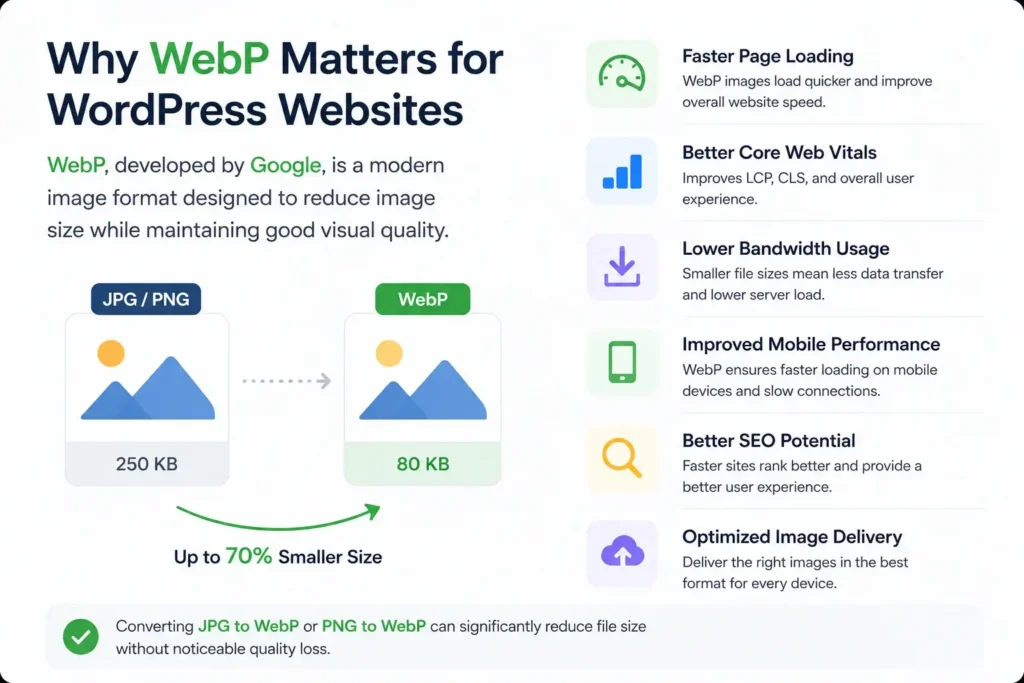
WebP, developed by Google, is a modern image format designed to reduce image size while maintaining good visual quality.
Benefits of using WebP include:
- Faster page loading
- Better Core Web Vitals
- Lower bandwidth usage
- Improved mobile performance
- Better SEO potential
- Optimized image delivery
For most websites, converting images from JPG to WebP or PNG to WebP can significantly reduce file size without noticeable quality loss.
The Problem With Manual Image Optimization
Many WordPress users still optimize images manually before uploading them. While this works, it creates extra steps in the workflow.
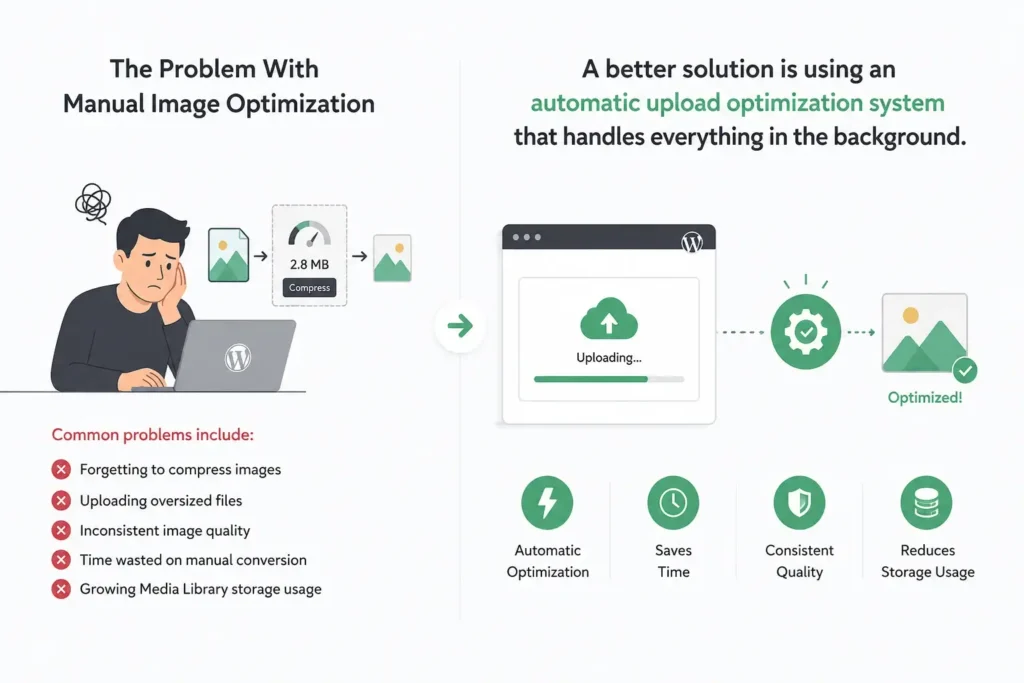
Common problems include:
- Forgetting to compress images
- Uploading oversized files
- Inconsistent image quality
- Time wasted on manual conversion
- Growing Media Library storage usage
A better solution is using an automatic upload optimization system that handles everything in the background.
What Is a WordPress WebP Conversion Plugin?
A WordPress WebP conversion plugin automatically converts uploaded images into optimized WebP versions when files are added to the Media Library.
Instead of manually converting every image, the plugin processes uploads automatically and keeps your image library lightweight from the beginning.
Most modern plugins support:
- Automatic image compression
- Real-time upload optimization
- JPEG to WebP conversion
- PNG to WebP conversion
- Bulk image compression
- Media cleanup tools
- SEO image enhancements
Meet Nix Image Optimizer
Nix Image Optimizer is designed to simplify automatic image optimization for WordPress websites.
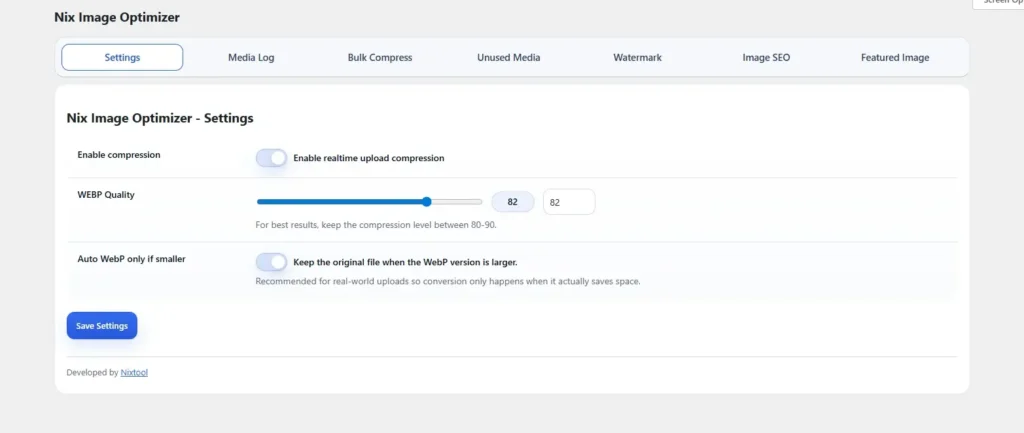
The plugin helps website owners optimize uploads automatically using modern compression techniques and WebP conversion.
Key features include:
- Automatic WebP conversion on upload
- Real-time image compression
- JPG to WebP support
- PNG to WebP support
- AVIF compatibility
- Bulk compression tools
- Media log tracking
- Watermark support
- Image SEO tools
- Featured image generation
The goal is simple: reduce image size while maintaining visual quality.
How Automatic Upload Optimization Works
Once enabled, the plugin automatically processes uploaded images inside the WordPress Media Library.
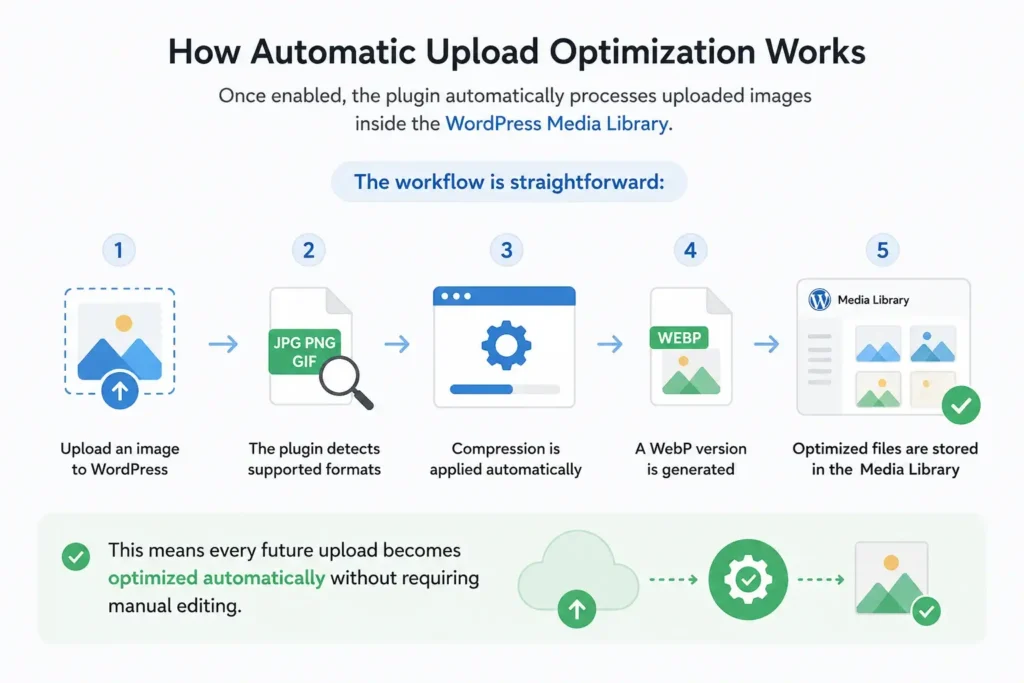
The workflow is straightforward:
- Upload an image to WordPress
- The plugin detects supported formats
- Compression is applied automatically
- A WebP version is generated
- Optimized files are stored in the Media Library
This means every future upload becomes optimized automatically without requiring manual editing.
Recommended WebP Compression Settings
Choosing the right compression level is important.
For most websites, a quality range between 80–90 provides a good balance between image quality and reduced file size.
Lower values create smaller files but may reduce image clarity. Higher values maintain more detail but increase file size.
A smart optimization setup should:
- Preserve visual quality
- Reduce unnecessary file weight
- Optimize uploads automatically
- Avoid oversized WebP conversions
Supported Image Formats
Modern optimization plugins usually support multiple image formats.
Common supported formats include:
| Format | Purpose |
|---|---|
| JPEG | Standard photos and blog images |
| PNG | Transparent graphics and logos |
| WebP | Modern compressed image format |
| AVIF | Advanced next-generation image format |
Using WebP alongside AVIF support helps future-proof your website performance.
Why Website Speed Depends on Images
Images often make up the largest portion of a webpage.
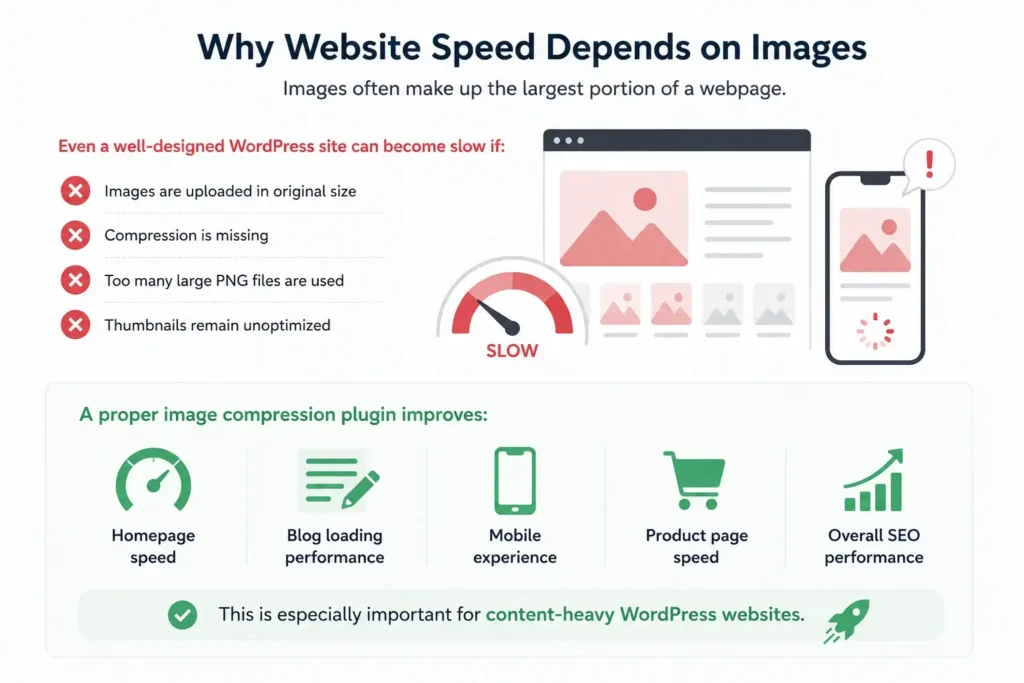
Even a well-designed WordPress site can become slow if:
- Images are uploaded in original size
- Compression is missing
- Too many large PNG files are used
- Thumbnails remain unoptimized
A proper image compression plugin improves:
- Homepage speed
- Blog loading performance
- Mobile experience
- Product page speed
- Overall SEO performance
This is especially important for content-heavy WordPress websites.
Best Practices for Image Optimization in WordPress
To get the best results:
- Enable automatic image compression
- Convert uploads to WebP
- Optimize images before bulk uploads
- Remove unused media files
- Use lightweight featured images
- Keep Media Library organized
- Avoid uploading oversized images
Combining these practices with automatic upload optimization can noticeably improve performance.
Final Thoughts About Image optimizer
If you want faster page loading and better media management, using a WordPress WebP conversion plugin is one of the easiest improvements you can make.
Automatic WebP conversion helps reduce image size from the moment files are uploaded, making your WordPress website faster, cleaner, and more efficient.
Whether you run a blog, business website, affiliate platform, or online store, tools like Nix Image Optimizer can help simplify image optimization while improving website speed in the background.